- Out-of-Stock
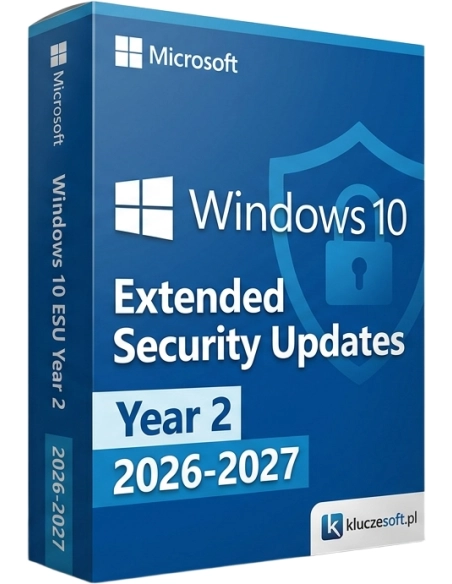



Windows 10 ESU Year 2 — the second year of Extended Security Updates (2026-2027). Requires a Licensier ESU Year 1 license.
Second year of Extended Security Updates for Windows 10. Continued critical security patches from October 2026 to October 2027. Requires prior activation of ESU Year 1.
| License | Windows 10 Extended Security Updates — Year 2 |
| Type | Extended Security Updates (ESU) — cumulative |
| Validity period | October 2026 — October 2027 (12 months) |
| System | Windows 10 (version 22H2 or later) |
| Requirements | Active ESU Year 1 license key + all updates installed through October 2026 |
| License type | Per device (1 key = 1 PC) |
No. The ESU program is cumulative, so you must first buy and activate ESU Year 1. Only after that can you add the Year 2 license key. Microsoft requires sequential activation.
Microsoft intentionally increases ESU pricing each year to encourage migration to Windows 11. Year 1 costs €309, Year 2 costs €619 (2x), and Year 3 costs €1229 (2x Year 2). This is Microsoft’s official pricing policy.
ESU updates are cumulative. Once Year 2 is activated, you receive all patches released since the start of the program in October 2025. You will not miss any fixes, but during any period without an active license key, the PC was not protected.
Yes, if you have both license keys. Activate Year 1 first using slmgr /ipk, run Windows Update, and then activate Year 2. Protection will be extended until October 2027.
No. ESU applies only to the Windows 10 operating system. Applications such as Microsoft Office, Edge, and .NET Framework have their own support and update lifecycles.
Your ESU license key is sent instantly by email once payment is confirmed, usually within 5 minutes. You will receive a detailed step-by-step activation guide for slmgr/GPO.
 Official Microsoft license key
 Instant email delivery
 24/7 technical support↩️ 14-day money-back guarantee
Data sheet
Windows 10 ESU Year 2 — the second year of Extended Security Updates (2026-2027). Requires a Licensier ESU Year 1 license.