- Currently out of stock
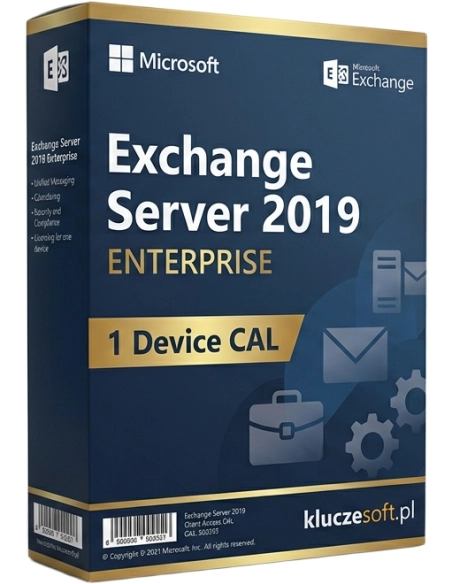



Exchange Server 2019 Enterprise — Enterprise CAL license for 1 device. Full Enterprise Exchange functionality.
Exchange Server 2019 Enterprise Device CAL is a license that extends the functionality of Exchange 2019 Server with advanced enterprise tools — In-Place Archiving, Data Loss Prevention, Unified Messaging, and journaling — for one specific device. In the Device CAL model, the license is assigned to a computer or workstation, and any number of users can access Enterprise features from that device. When you buy from Licensier.com, you receive an original Microsoft license key with instant delivery by email within minutes.
The Enterprise Device CAL is the ideal solution for environments where multiple people use the same workstations — for example in shift-based workplaces, reception desks, customer service points, or laboratories. If your organization uses shared computers from which different employees connect to the Exchange server, per-device licensing is significantly more cost-effective than per-user licensing. The Enterprise Device CAL is designed for businesses that require advanced compliance features: email archiving, DLP policies, and legal data retention capabilities.
After purchasing from Licensier.com, you will receive an original Microsoft Exchange Server 2019 Enterprise Device CAL license key to the email address provided — usually within 5 minutes. The key includes activation and configuration instructions for your Exchange server. Our support team is available 7 days a week and will assist you with any deployment-related questions.
No. Enterprise CAL is an add-on to Standard CAL. For each device using Enterprise features, you need two licenses: Standard Device CAL (basic access) and Enterprise Device CAL (advanced features). Both licenses are required at the same time.
When should you choose Device CAL instead of User CAL?Device CAL is the more economical option when multiple users share one computer — for example in shift work, shared workstations, or kiosk environments. If one employee uses multiple devices instead (computer, phone, tablet), User CAL is usually the better choice.
Can I mix User CAL and Device CAL within one organization?Yes. Microsoft allows both license types to be used within a single Exchange server environment. You can assign User CALs to mobile employees using multiple devices, and Device CALs to shared workstations — depending on which option is more cost-effective.
Is the license permanently assigned to one specific computer?A Device CAL license is assigned to one physical device. You can transfer it to another device, but not more often than once every 90 days, unless the original device suffers permanent hardware failure — in that case, the transfer can be made immediately.
How much does the full Enterprise licensing set cost for one device?The full set includes: Standard Device CAL + Enterprise Device CAL. At Licensier.com, the Standard Device CAL and Enterprise Device CAL cost a total of €149 for the Enterprise CAL plus the cost of the Standard CAL. You can order both license keys together and receive instant delivery within minutes.

Data sheet
Exchange Server 2019 Enterprise — Enterprise CAL license for 1 device. Full Enterprise Exchange functionality.